Waylight documentation
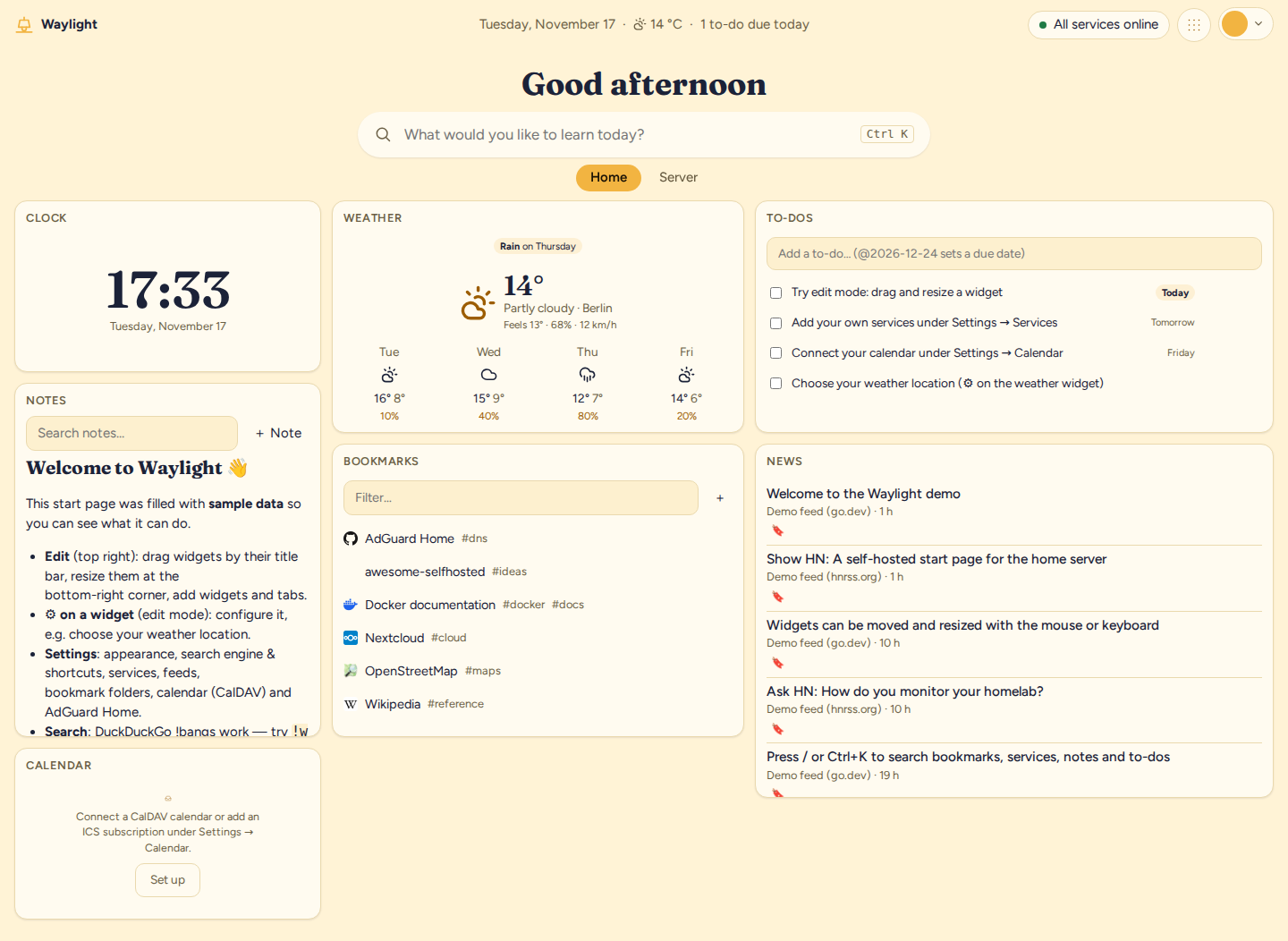
Waylight is a self-hosted start page for one person and, if you like, the people they share a home with. You arrange widgets on tabs: the weather, your calendar and to-dos next to the state of your home server, its containers and its backups. It runs as a single small program with an SQLite database, on a home server, a NAS or a Raspberry Pi.
Where to start
You are wondering whether it fits your needs. Read what Waylight is and is not and the comparison with Homarr, Homepage, Glance and Dashy. The feature overview lists every module.
You want to install it. Getting started helps you pick between Docker Compose, the Debian package and the ready-made Raspberry Pi image, and walks you through the first login. Afterwards, first steps shows you around the dashboard in about ten minutes.
You already use it. The user guide covers the dashboard, search and quick capture, accounts, guests and kiosk displays, appearance and the app on phones and offline.
You want it for your team. Waylight for teams covers members and groups, team tabs, single sign-on, the workplace search with Confluence, SharePoint, Slack and Teams, and the administration.
You run the server. See configuration, backups, updates, host integrations such as WireGuard and Proxmox, notifications and the security model.
You want to contribute code. Start with the development setup, then build a widget with the developer guide. The architecture page and the decision records explain why the code looks the way it does.
Getting help
Questions and ideas belong in GitHub Discussions, bugs in the issue tracker. Please report security problems privately, as described in the security policy.